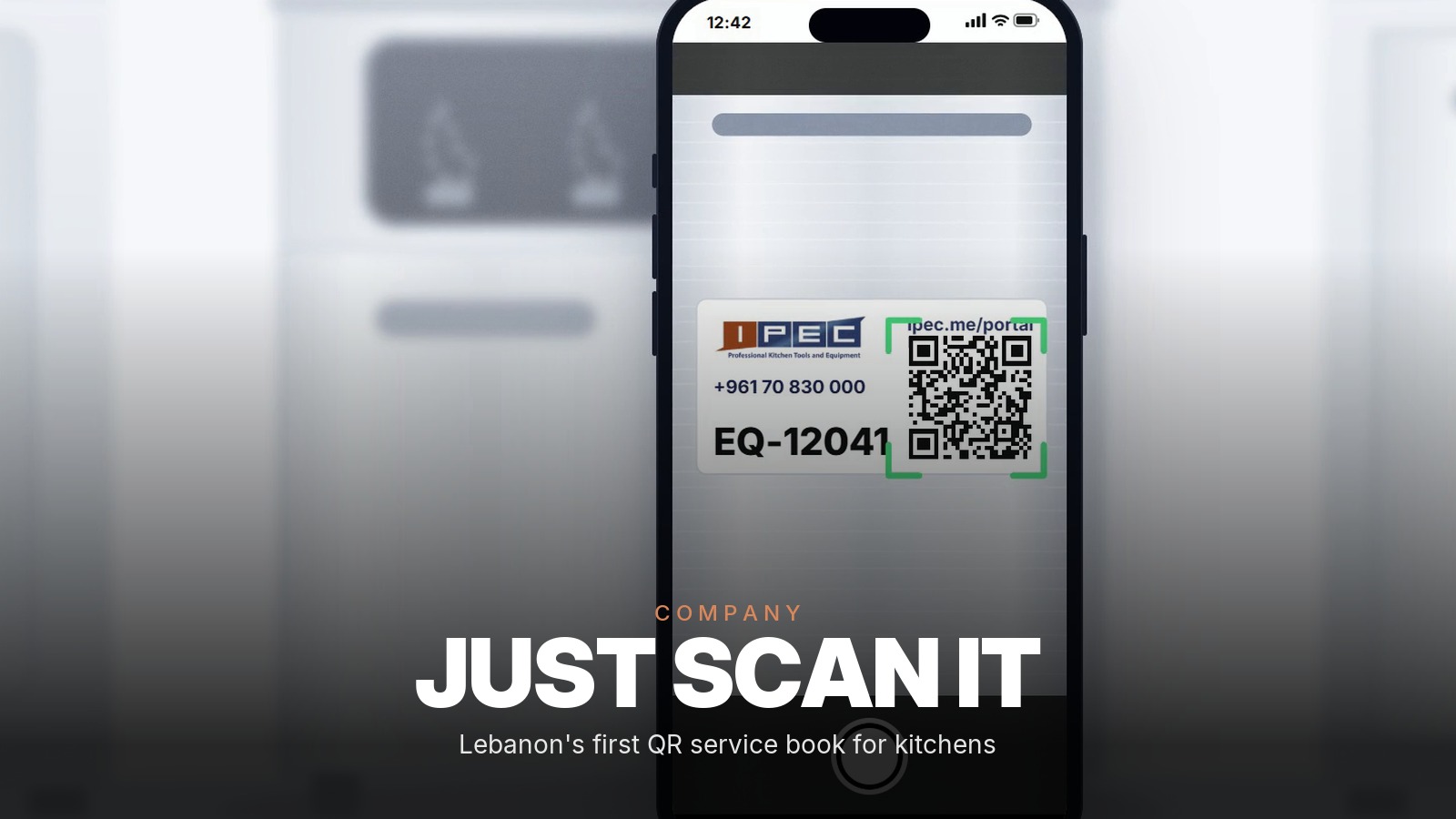
Your car has a service book. Every service is stamped and dated, and any garage can read the car's history in a minute.
The fryer that carries your Friday night service usually has nothing like it. Its history lives in a technician's memory, in a report lost in a drawer, and in a phone number taped to the cold room door.
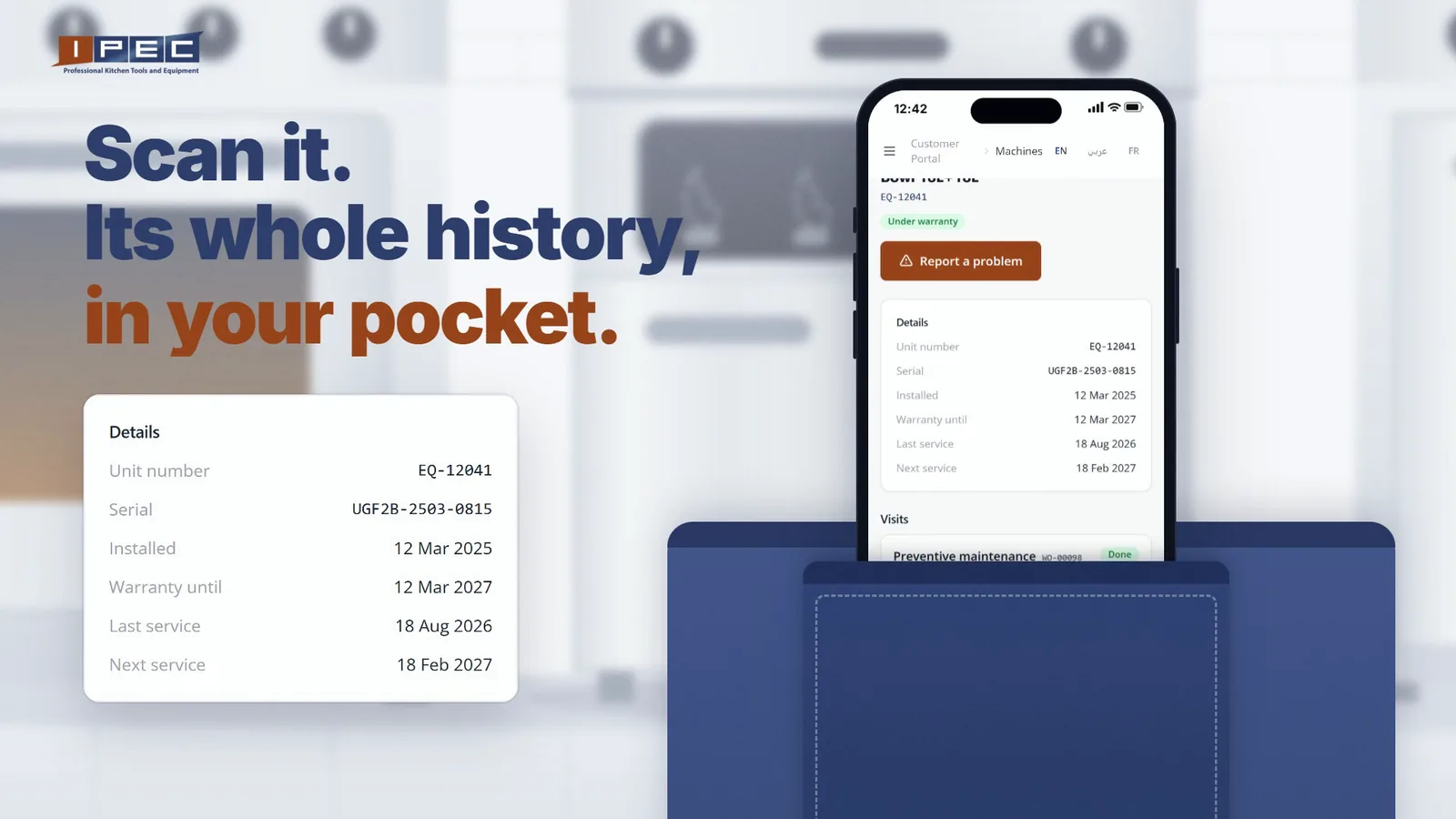
So we gave every machine its own. Each machine IPEC registers now carries a QR sticker that opens its service book on your phone: when it was installed, its warranty, every visit and every report. The same portal holds your orders, statements and invoices, open day and night. It is built for the restaurants, hotels, bakeries and central kitchens whose commercial kitchen equipment we supply and maintain across Lebanon.
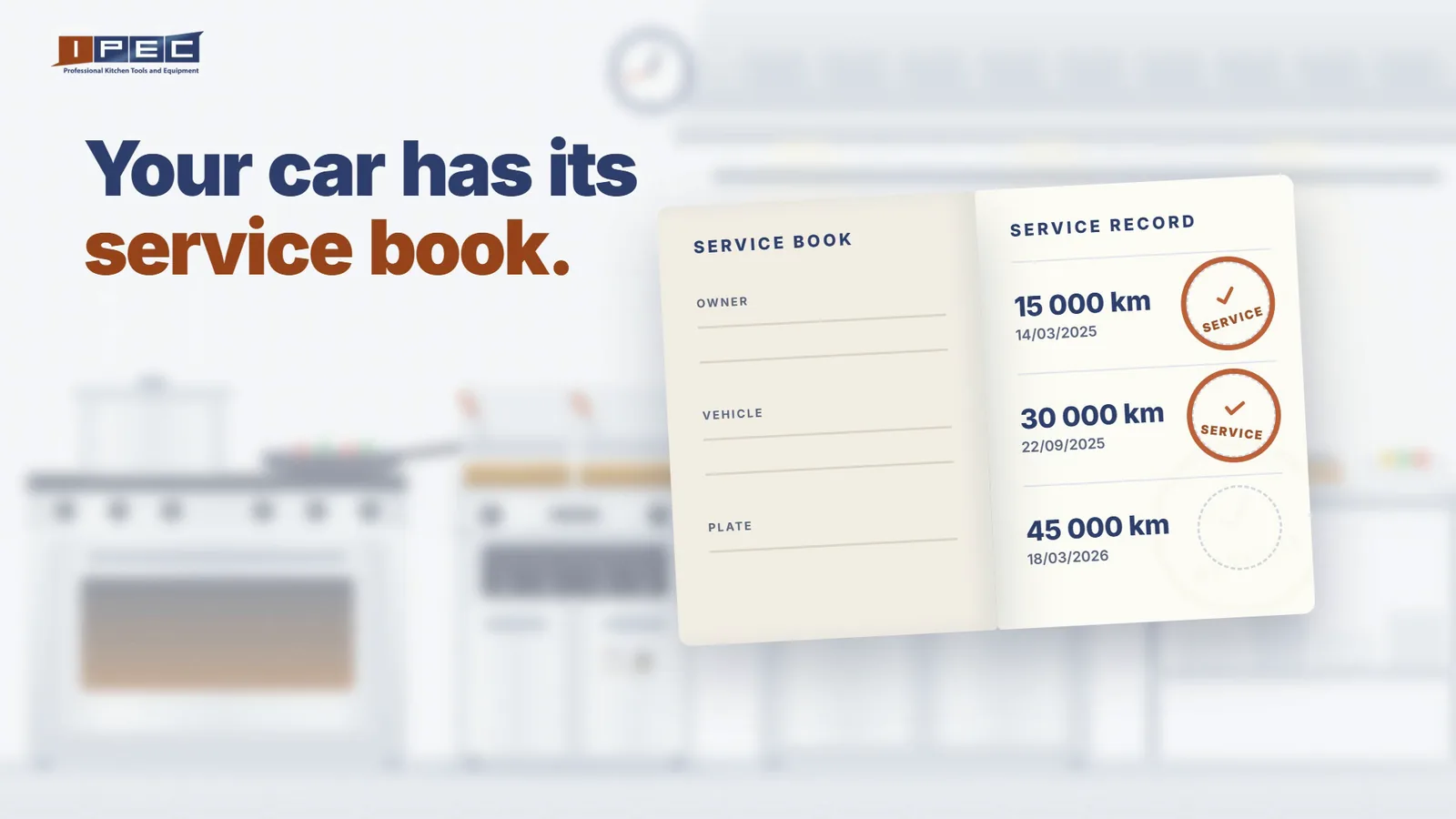
A first in Lebanon. IPEC is the first kitchen equipment supplier in Lebanon to put a QR service book on every machine it registers, linked to an online portal where you report a breakdown and follow the repair from your phone.
One sticker, one machine, its whole history
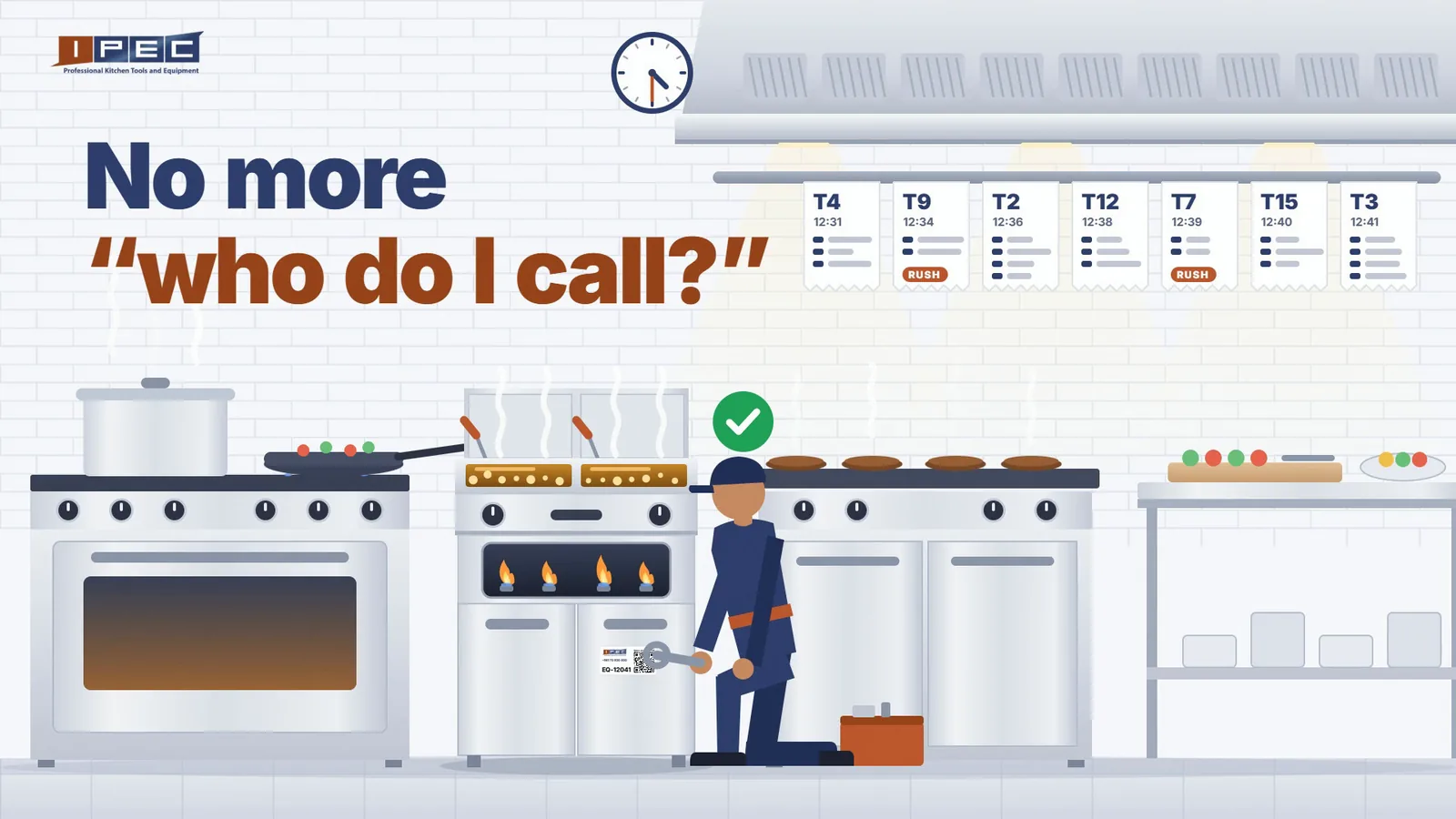
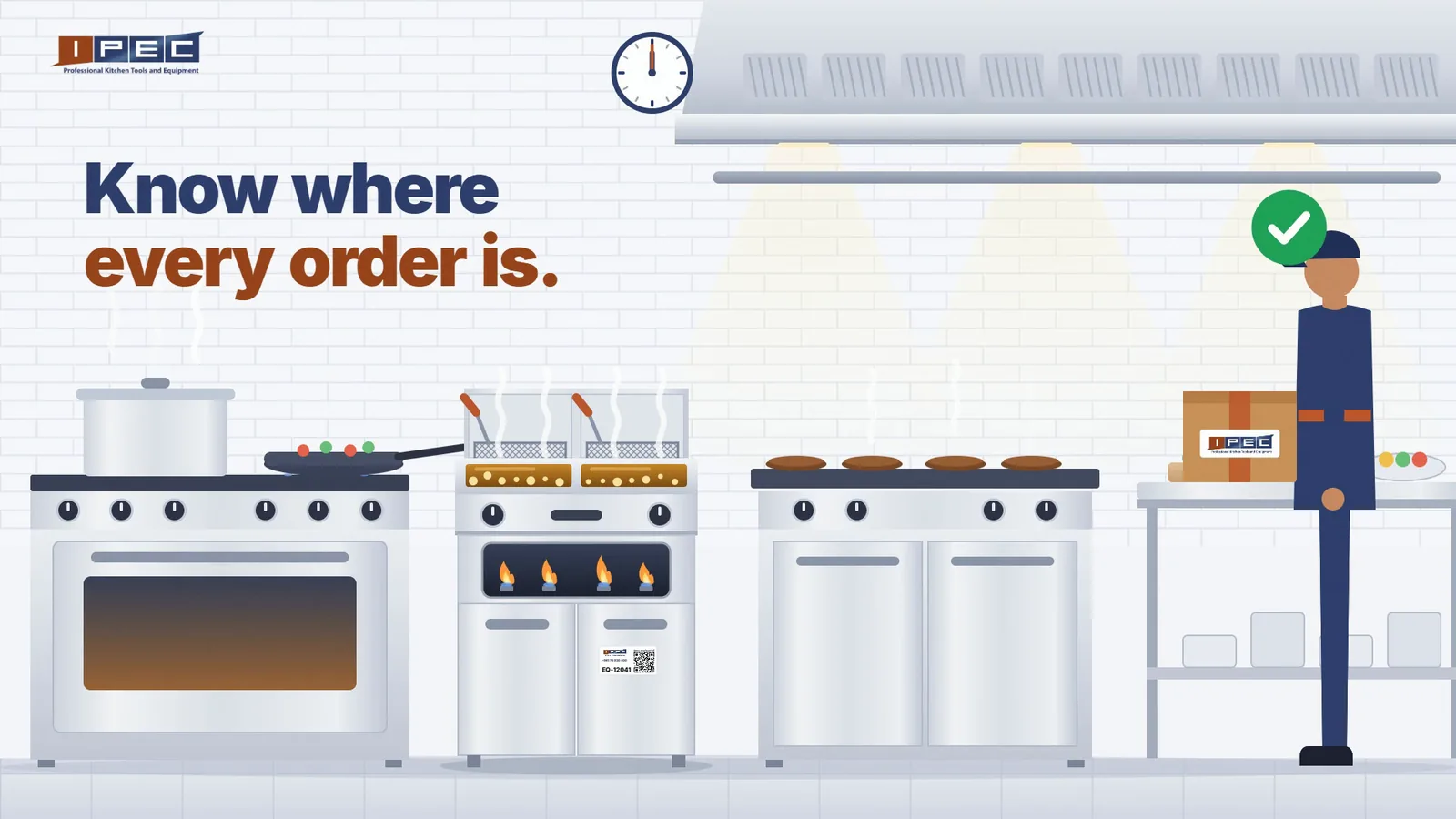
Every sticker carries the IPEC logo, our phone number, the machine's unit number (EQ-12041 in the pictures below) and a QR code. Point your phone camera at it, sign in, and the portal opens that exact machine. Nobody has to explain which fryer, which branch or which model.
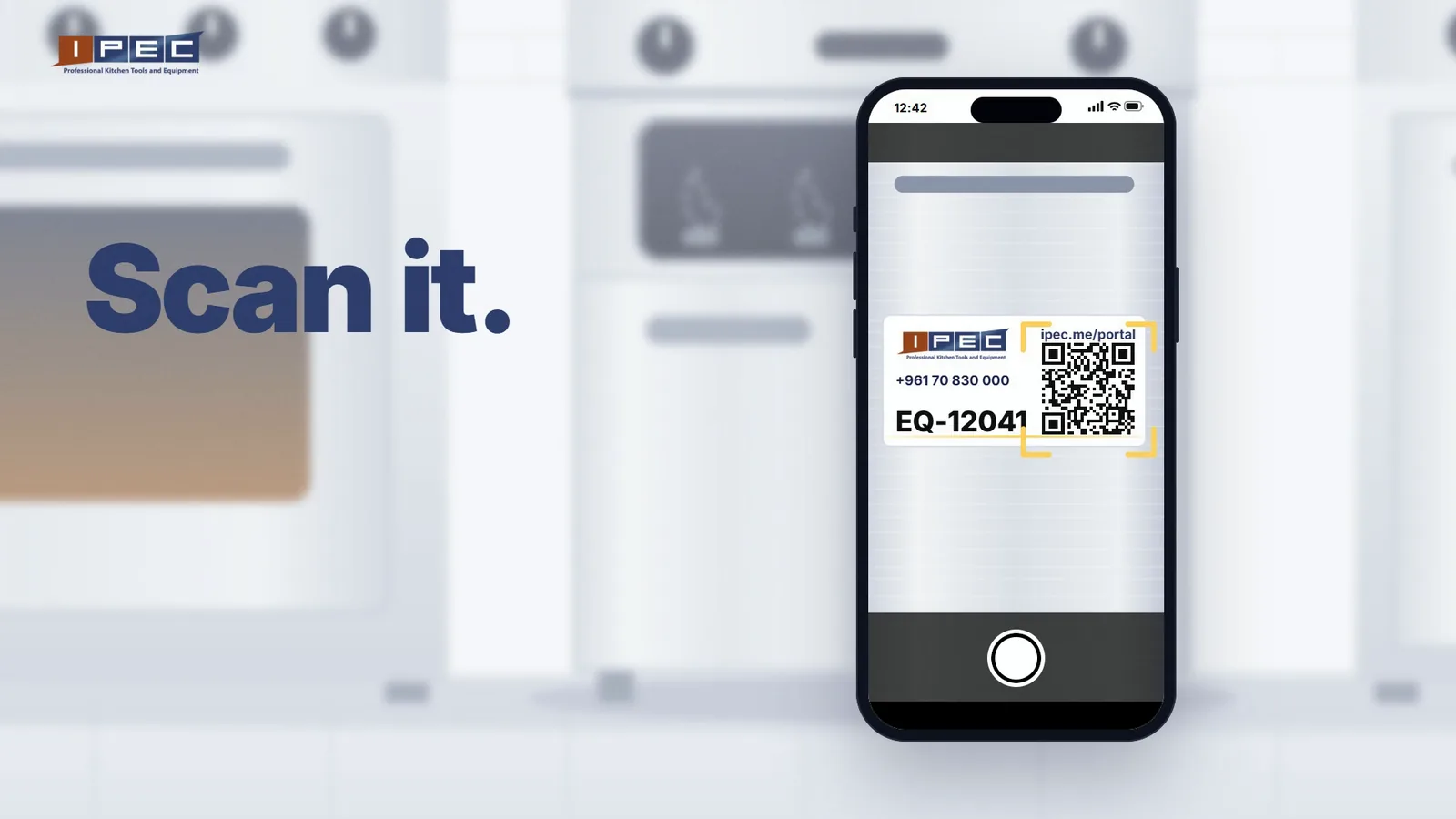
The machine's page shows:
- The machine itself, with its picture, technical table and spec sheet, the same as on our webshop.
- Its key dates: installed on, warranty until, last service and next service.
- Every visit, with the service report signed on site.
- Every part replaced, with its picture, name, quantity and date.
- Every request you have made for it, and where each one stands.
Mid-service, and the fryer won't ignite
Tickets are piling up on the pass and one fryer has gone cold. Until now, this is where the evening got worse. Getting kitchen equipment repaired meant finding the right number, explaining which machine it is, describing the fault over the noise of the kitchen, then waiting for someone to call back.
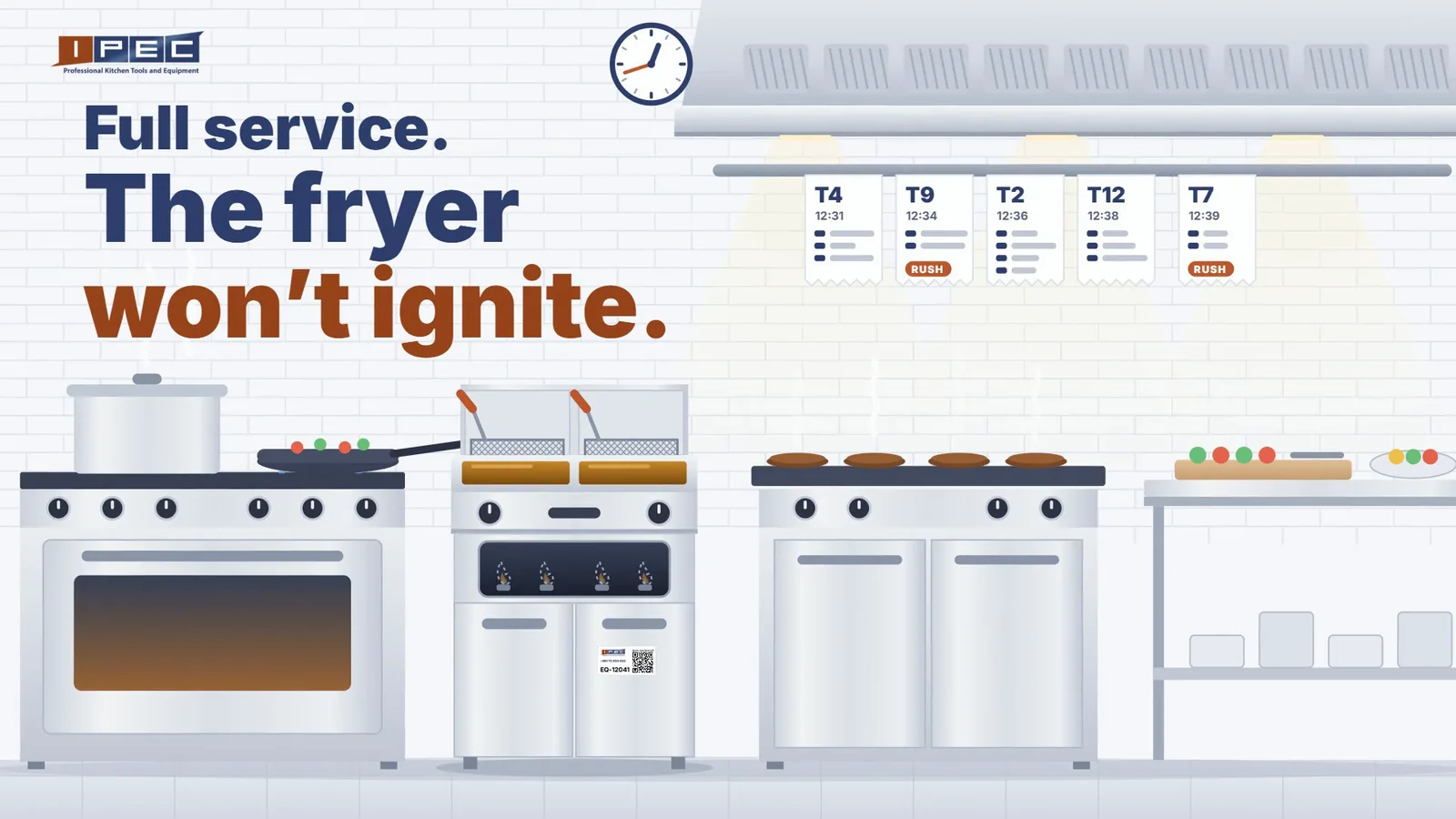
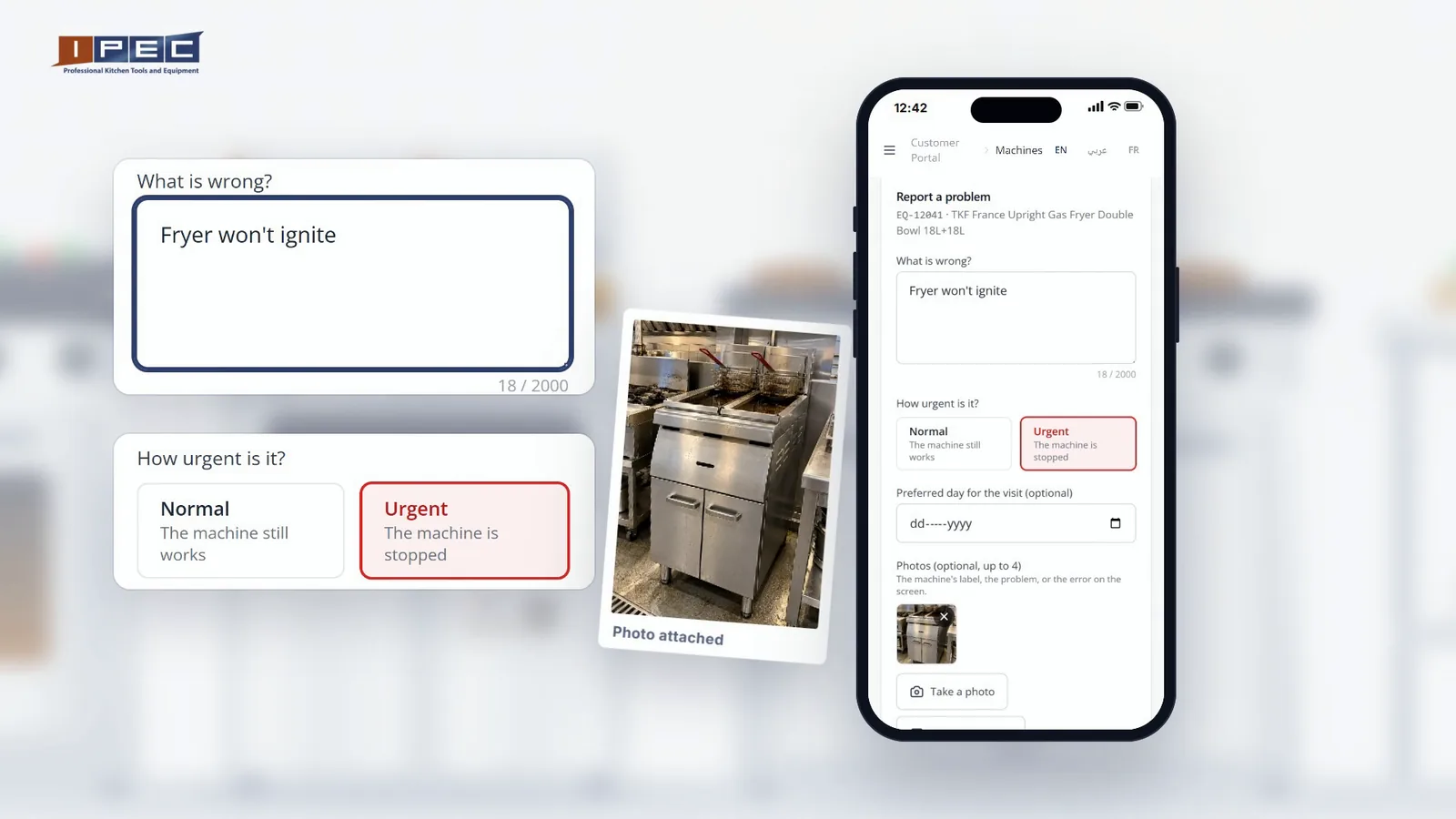
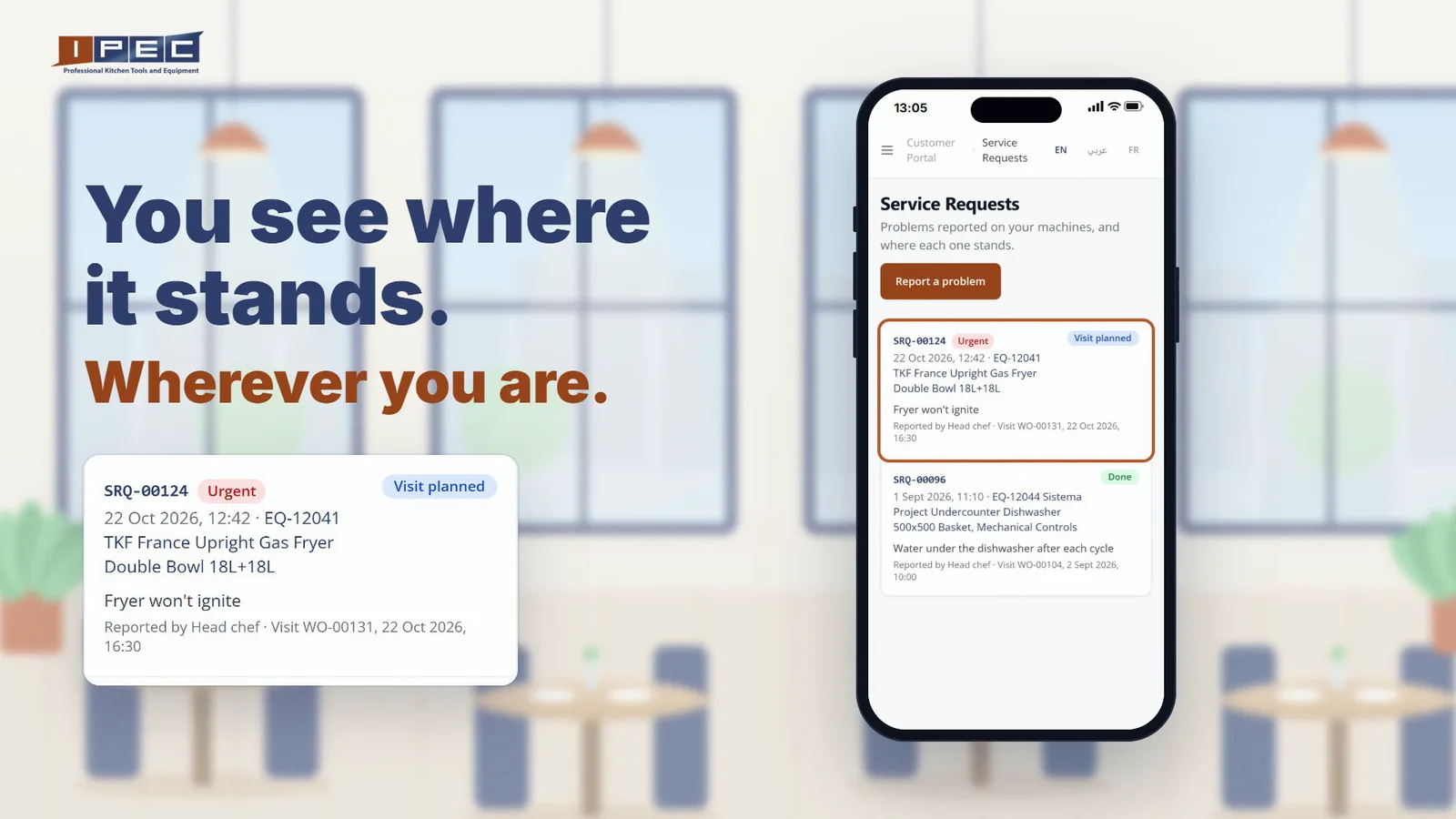
With the sticker, the head chef reports it in under a minute:
- Scan the QR sticker on the fryer.
- Write what's wrong, for example "Fryer won't ignite".
- Choose Normal (the machine still works) or Urgent (the machine is stopped), and a preferred day for the visit if you have one.
- Add up to four photos, then send.
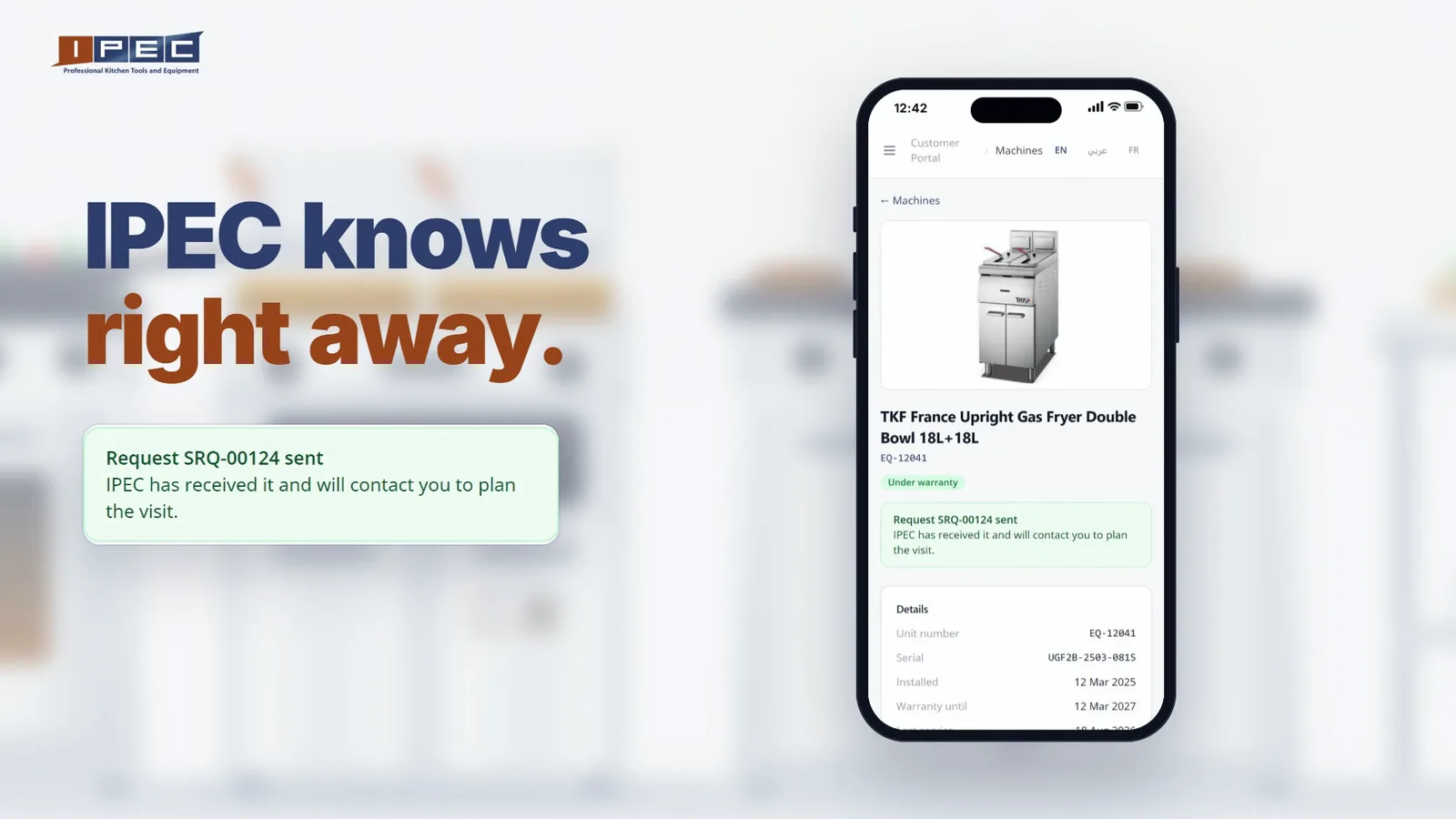
The request reaches our service team the moment you send it, with the machine, your words and the photos. The screen confirms it: IPEC has received your request and will contact you to plan the visit.
Follow the repair from wherever you are
The owner doesn't need to be in the kitchen to know what is happening. The Service Requests page lists every request with its status, from received to visit planned to done, on a phone or a laptop.
Every visit and every report, kept for you
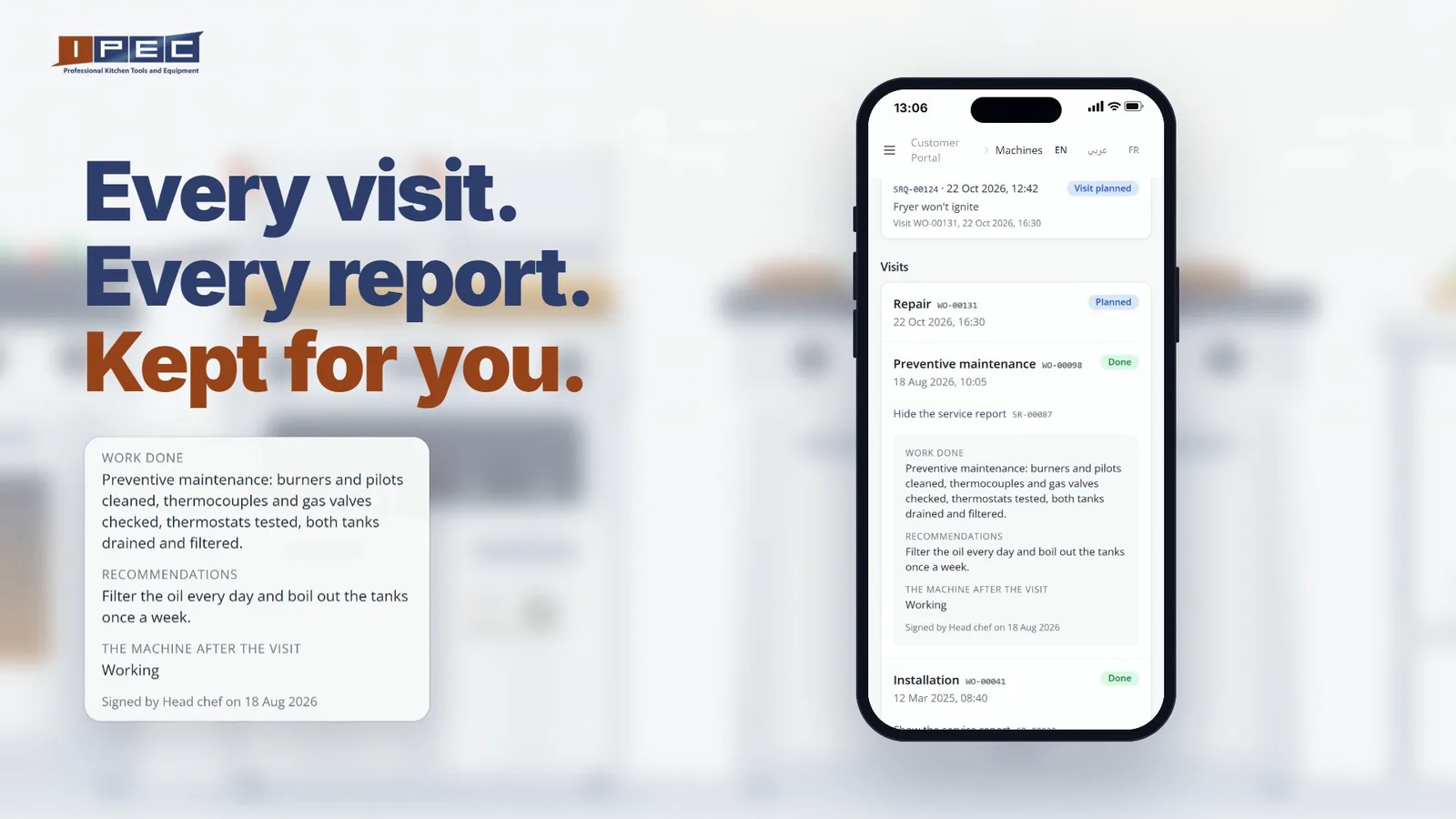
When the technician finishes, the service report is signed on site and filed on the machine's page: the work done, the recommendations, the state of the machine after the visit and the parts that went in. After a preventive maintenance visit, the next service date is set on its own, so the machine tells you when it is due.
A year from now, when an auditor or a new head chef asks when the fryer was last serviced or what was replaced on the dishwasher, the answer is one scan away. It is the same record our technicians work from, which makes it the backbone of our kitchen equipment maintenance and repair service in Lebanon.
The other half: orders, statements and invoices
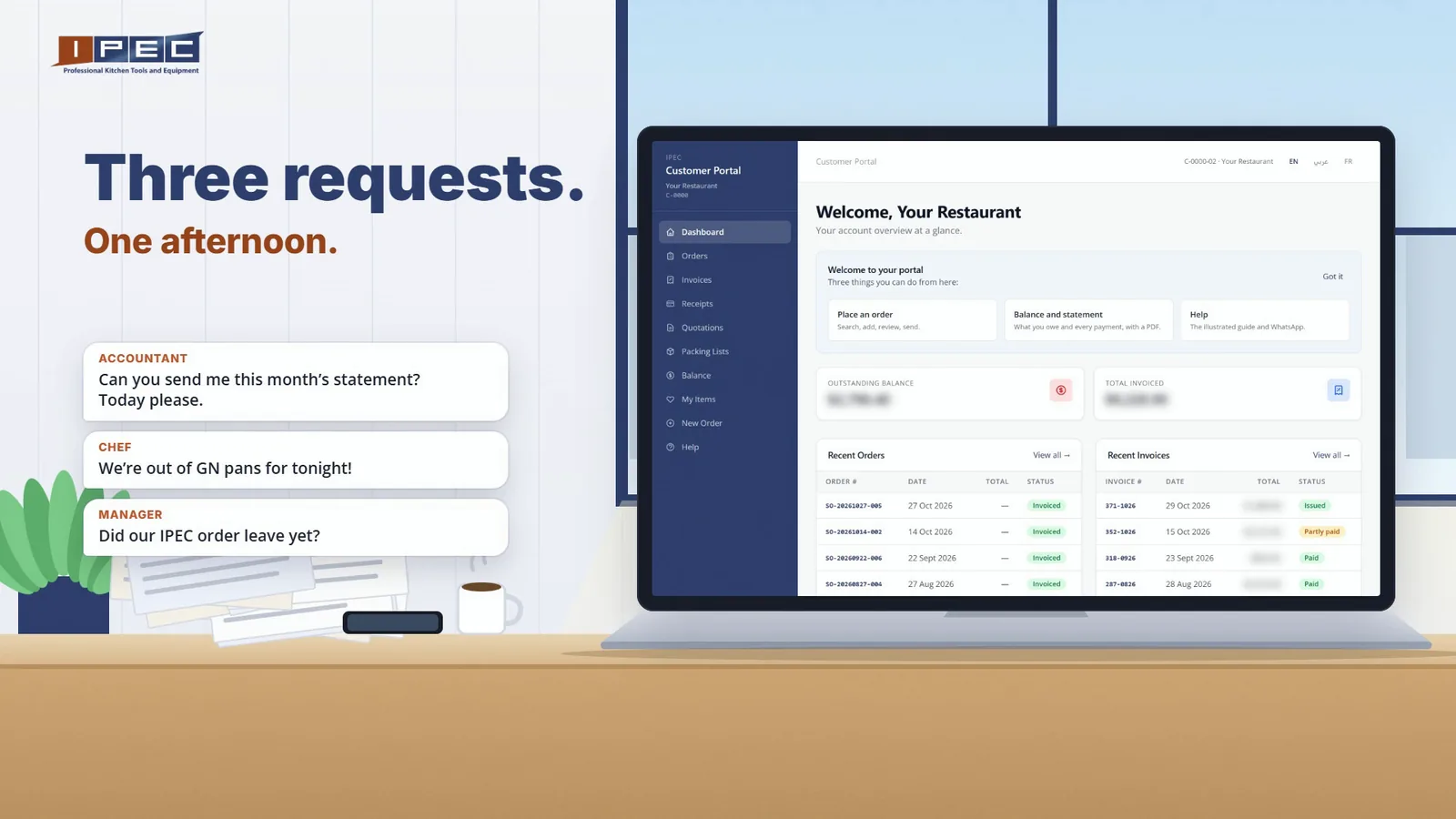
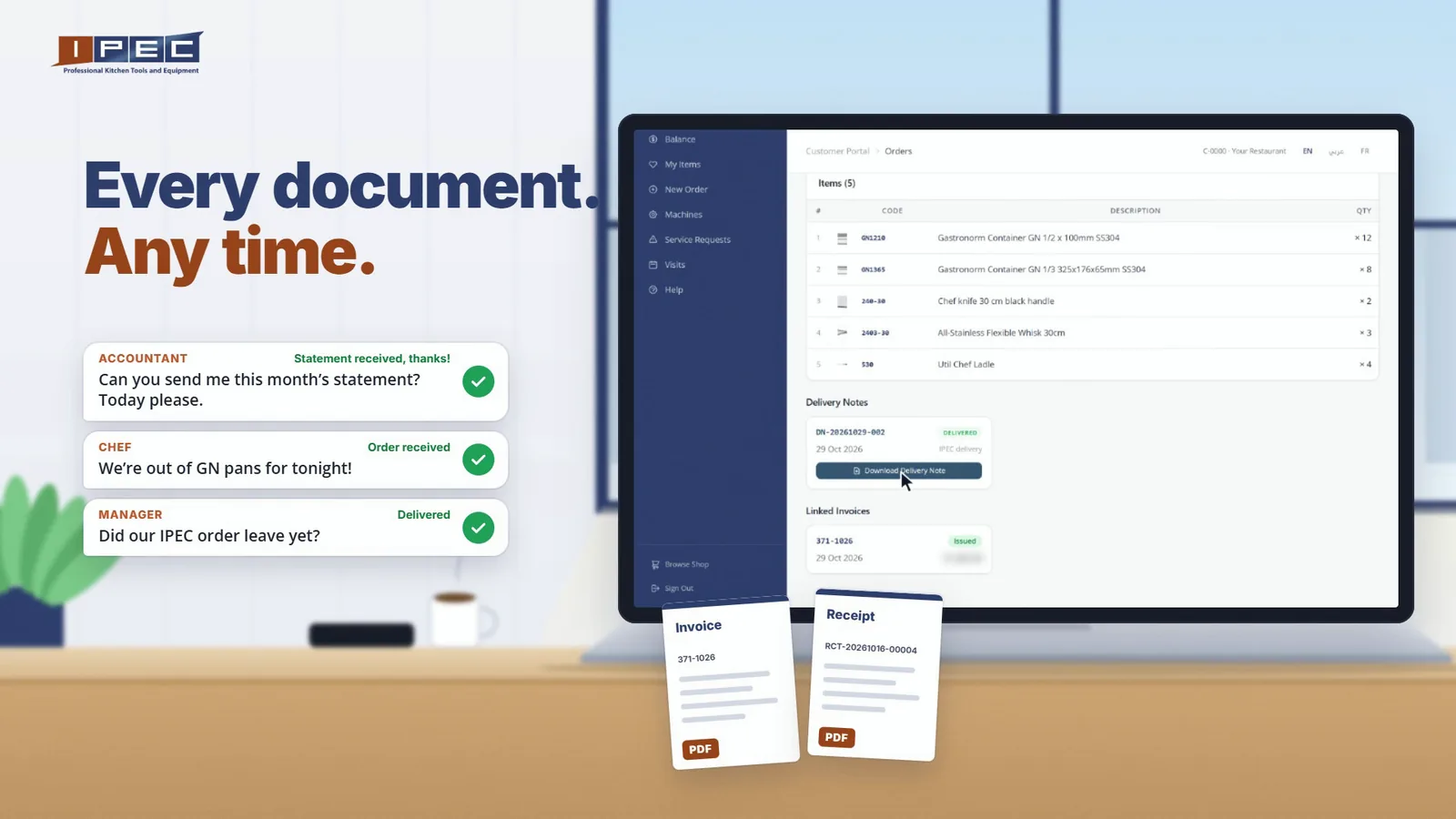
The portal opened in March as a place to follow your orders and invoices (we wrote about it here). It has grown a lot since. Picture one afternoon at a busy restaurant:
- The accountant: "Can you send me this month's statement? Today please."
- The chef: "We're out of GN pans for tonight!"
- The manager: "Did our IPEC order leave yet?"
Three requests that used to mean three calls to IPEC. Now all three answers are in the portal.
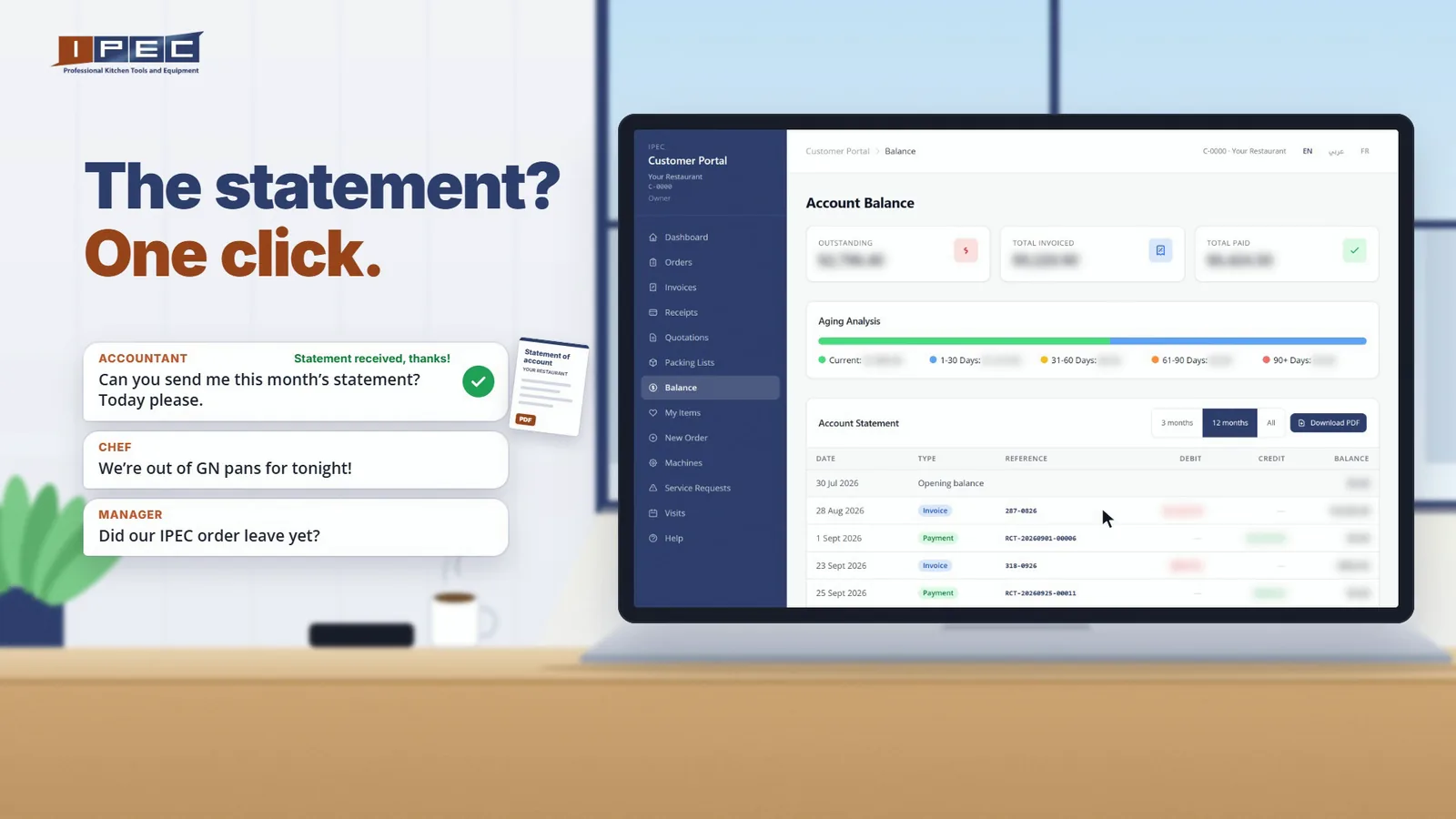
The statement, in one click
The Balance page shows what is outstanding on your invoices, how old each amount is, and your account statement for the period you choose. Download it as a PDF and it is on its way to the accountant.
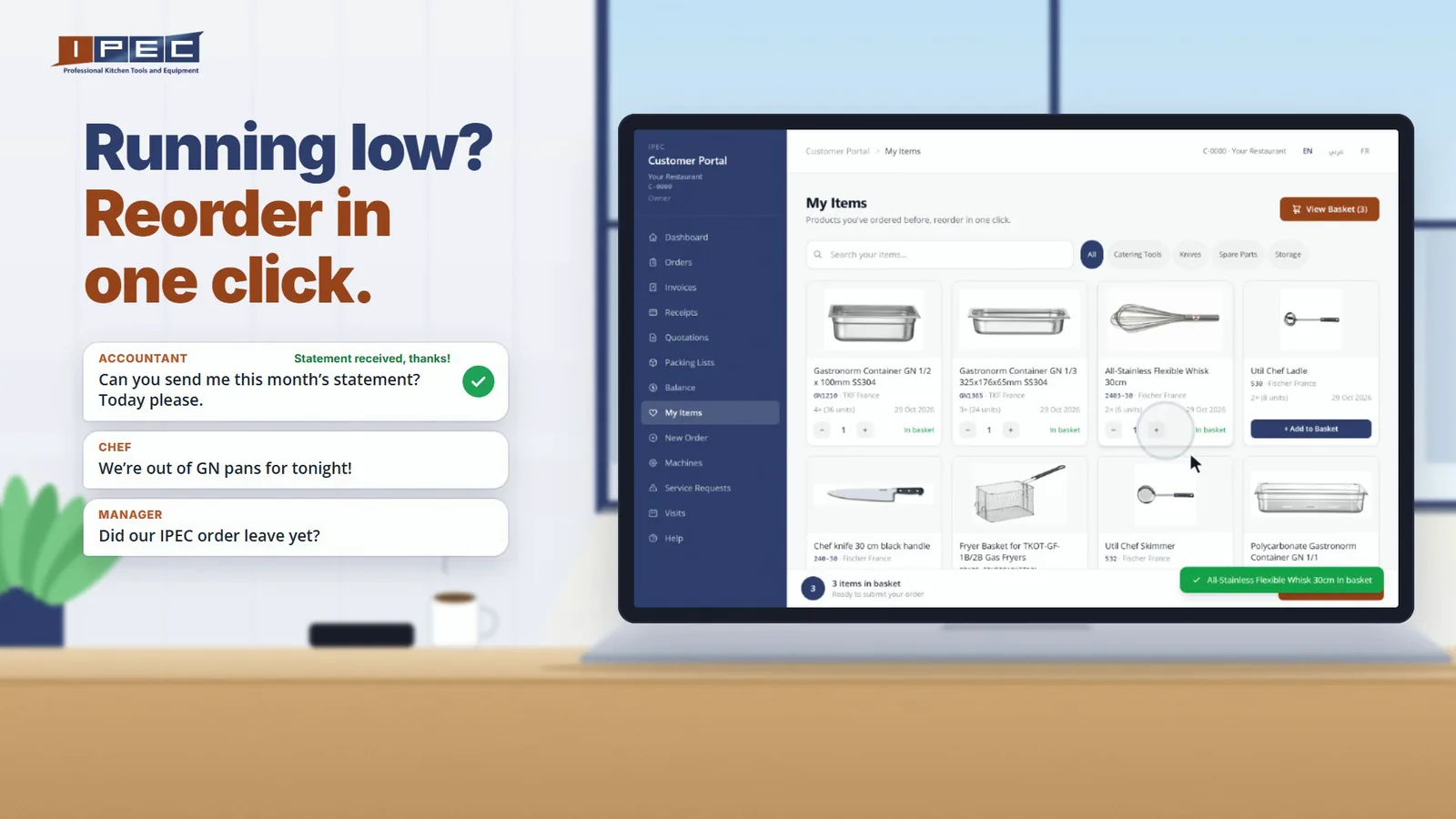
Running low? Reorder in one click
My Items lists everything you have bought from IPEC, with pictures. Add what you need to the basket, set the delivery date, your PO number and any notes, then send. The order goes to your IPEC salesperson, who confirms it with you.
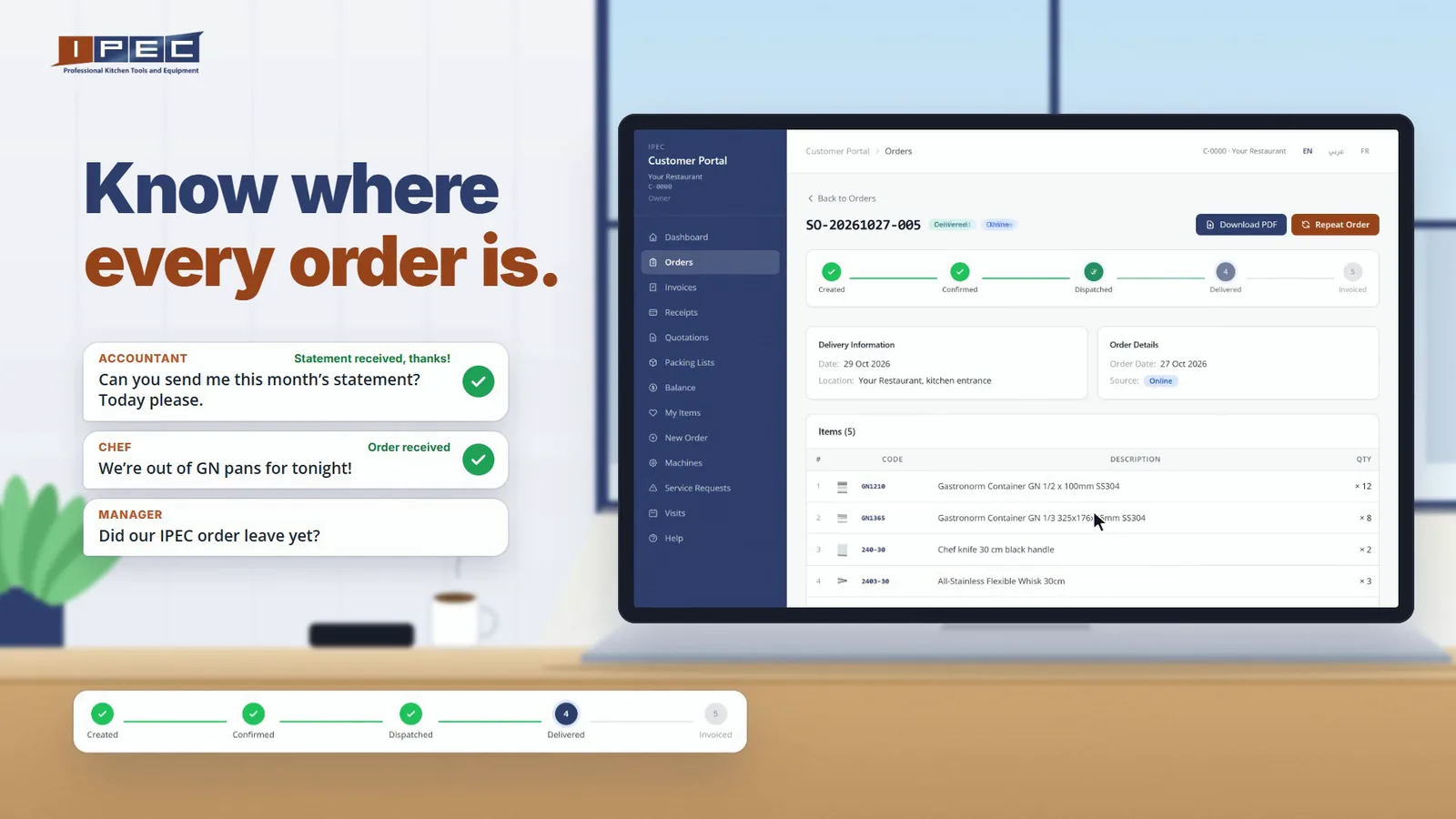
Know where every order is
Each order has a timeline: created, confirmed, dispatched, delivered. You see the step it has reached without calling anyone.
Every document, any time
Invoices, receipts, delivery notes, packing lists and the quotations we sent you are all there as PDFs, ready to download or forward. Closing the year, preparing an audit or replacing a missing paper no longer means waiting for an email from us.
One login per person, each with what they need
A kitchen is a team, so each person gets their own login and sees only what their job needs:
- Owner: everything, machines and accounts.
- Finance: orders, invoices, receipts, balance, quotations and packing lists.
- Maintenance (head chef, kitchen manager, technical staff): machines, visits, service reports and requests, and never an invoice.
A group with several branches can limit a login to its own site, so the chef in one branch sees that branch's machines. The portal works on phones and laptops, in English, Arabic and French.
Questions we hear about the portal
Who can use the IPEC customer portal?
IPEC clients. There is no sign-up form: our team creates each login, for the owner and for anyone else on your team who needs one, and sends the access with a short guide.
Which machines have a QR sticker?
Each machine IPEC registers for your kitchen gets its own sticker, with its unit number and a QR code that opens that machine in the portal. If a machine in your kitchen has no sticker yet, ask us.
What happens after I report a problem?
Your request reaches our service team the moment you send it, with the machine, your description and your photos. We contact you to plan the visit, and you follow the request in the portal from received to visit planned to done. After the visit, the signed service report is filed on the machine's page.
Can I see the service history of my kitchen equipment?
Yes. Each machine's page shows when it was installed, its warranty, its last and next service, every visit with its signed report, and every part replaced.
Can I order and download my invoices from the portal?
Yes. You can reorder what you have bought before or place a new order, follow each order until it is delivered, and download your statement, invoices, receipts, delivery notes and quotations as PDFs.
Does it work in Arabic and on a phone?
Yes. The portal is in English, Arabic and French, and works on phones, tablets and laptops.
How to get your access
The portal is reserved for IPEC clients and there is no sign-up form: our team creates each login and sends you a welcome pack with your access and a short guide. If you ever lose your password, ask us and we will issue a new one.
- On WhatsApp: +961 70 830 000
- By email: [email protected]
- Or ask your IPEC contact at your next order or visit.
Want to see it before you sign in? Read the two short guides: Machines and service (PDF) and Orders and invoices (PDF).
We have been equipping Lebanese kitchens since 1980. In all that time, the hardest calls were rarely about the equipment itself. They were about not knowing: which machine, when it was last serviced, where the order is, where that invoice went. The portal answers those questions before anyone has to pick up the phone.